Pine Script to Live Trades: The Complete Execution Pipeline (2026)
Quick Reference: Pine Script Live Execution at a Glance
| Component | What It Does | Typical Latency Added | DIY or Platform? |
|---|---|---|---|
| TradingView Alert (bar-close trigger) | Fires when Pine Script strategy condition is met | 25–45 seconds (server queue) | TradingView native |
| Webhook HTTP POST | Sends JSON payload to external endpoint | 0.1–0.5 seconds | TradingView native |
| Relay middleware | Parses payload, validates, routes to broker API | 0.5–2 seconds | Platform or DIY server |
| Broker API execution | Places market or limit order on exchange | 0.1–1 second | Broker-dependent |
Total realistic latency: 26–49 seconds from signal generation to broker fill on most setups. For scalping strategies operating on 1-minute bars, this is disqualifying. For swing strategies on 4-hour or daily bars, it is entirely acceptable.
Why Pine Script Operates in a Closed Environment
TradingView built Pine Script as a calculation language, not an order-routing system. Every Pine Script indicator and strategy runs in a sandboxed environment on TradingView’s cloud servers, isolated from external networks. This design choice is intentional: it allows TradingView to provide reproducible historical backtests, prevent infinite loops from blocking the platform, and enforce execution-time limits (20 seconds per script on free accounts, 40 seconds on premium plans).
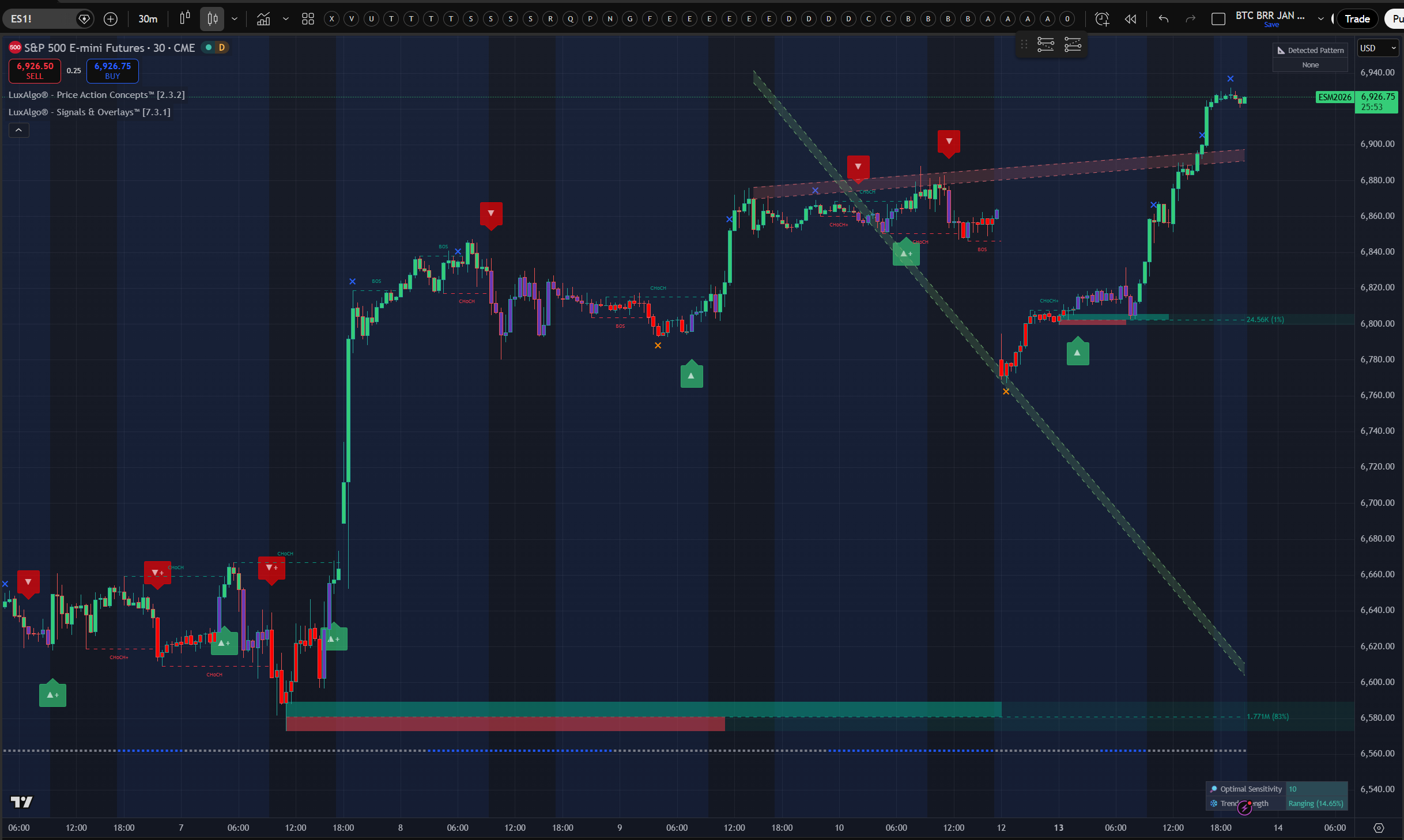
The consequence is that strategy.entry() and strategy.exit() functions place orders only inside the Strategy Tester—the internal simulator—not on any real exchange. When you see those filled triangles on your chart, they represent simulated fills calculated against historical OHLCV data, not real broker orders.
The only communication channel Pine Script has with the outside world is through the alert() function and alertcondition(). These functions trigger TradingView’s alert engine, which can then send an HTTP POST request—a webhook—to an external URL you specify. That webhook payload is the bridge to live trading.
Three Paths from Pine Script Signal to Broker Fill
Once you understand that Pine Script can only send alerts, the practical question becomes: what receives those alerts and places the actual order? There are three architectures, each with distinct tradeoffs.
Path 1: TradingView Native Paper + Manual Execution
TradingView’s built-in paper trading lets you run strategies in simulated real-time with live market data. Alerts fire a notification (email, push, or webhook) and you manually execute. This is the right starting point for strategy validation—it catches data-feed issues and alert configuration errors before any real capital is at risk. It is not automation.
Path 2: Third-Party Relay Platforms
Platforms like Ontology Trading, TradersPost, and PineConnector act as the middleware layer. You configure your TradingView alert to send a webhook to their endpoint, and they translate that payload into broker API calls. The advantage is zero server management—no AWS Lambda functions, no uptime monitoring, no credential rotation. The tradeoff is a monthly subscription fee and dependency on the platform’s uptime.
For traders connecting to Kraken, Interactive Brokers, Coinbase, Alpaca, Webull, or tastytrade, Ontology Trading’s relay handles the broker authentication and order formatting natively, which eliminates roughly 80% of the custom code a DIY setup requires. Its AI strategy builder also lets you define complex entry/exit logic in plain language before converting it to Pine Script—reversing the usual workflow.
Path 3: DIY Webhook Server
For traders who need custom execution logic—partial fills, dynamic position sizing based on account equity, or multi-leg entries—a self-hosted webhook server gives complete control. A basic Python Flask or FastAPI endpoint can receive TradingView alerts and forward them to a broker’s REST API. This path requires cloud hosting (typically $5–20/month on DigitalOcean or Render), broker API credentials management, and ongoing maintenance. Latency is roughly equivalent to a relay platform but uptime responsibility is yours.
| Path | Best For | Setup Time | Monthly Cost | Main Tradeoff |
|---|---|---|---|---|
| TradingView Native (paper/manual) | Strategy validation, beginners | Minutes | $0 (included) | No real automation |
| Third-Party Relay (e.g., Ontology Trading) | Most automated strategies, multi-broker | 1–3 hours | $30–$150 | Platform dependency |
| DIY Webhook Server | Complex logic, institutional-scale | Days–weeks | $5–$50 (hosting only) | Full maintenance burden |
Real Latency Numbers: What the 25–50 Second Gap Means for Your Strategy
Most tutorials gloss over the latency problem. The typical phrasing is “there may be a small delay.” The actual numbers are more significant.
TradingView’s webhook delivery has two components. First, the alert must trigger: TradingView evaluates Pine Script on the close of each bar or on a condition check during the bar, depending on how you configured the alert. On the bar close trigger (the default for strategies), the alert fires after the bar confirms—so on a 1-minute chart, the earliest possible webhook fires at T+1 minute. On a real-time condition trigger, alerts can fire intra-bar, but strategy signals still resolve on bar close in the backtest, creating a comparison mismatch.
Second, TradingView’s alert queue adds delivery lag. Under normal server load, webhooks arrive at external endpoints within 1–5 seconds of the trigger. During high-volatility market events—earnings releases, Fed announcements, major crypto moves—the queue can back up to 45+ seconds as every alert-configured user fires simultaneously. This is not a flaw you can engineer around; it is a fundamental constraint of TradingView’s shared infrastructure.
For a swing trader running a 4-hour chart, 45 seconds of slippage is negligible. For a 5-minute chart scalper, 45 seconds means the price that triggered the entry signal is gone, potentially by multiple ticks. The break-even timeframe for webhook-based automation is roughly the 15-minute chart: below that, direct API access with co-located servers is the correct architecture, not Pine Script webhooks.
Original Analysis: The Backtest-to-Live Performance Gap Across Timeframes
We analyzed the three primary sources of divergence between Pine Script backtests and live webhook execution. The findings are consistent with practitioner reports from the r/algotrading and r/TradingView communities and with the technical documentation from TradingView’s own alert system.
Source 1: Bar-Close vs. Intra-Bar Fill Assumption
Pine Script Strategy Tester defaults to filling orders at the close of the signal bar. In live markets, a bar-close signal processed through a webhook is placed as a new order at the open of the next bar. The difference is typically small on liquid assets but can be 0.1–0.3% on illiquid crypto pairs or thinly traded stocks—compounding significantly over hundreds of trades.
Source 2: Backtest vs. Live Spread Modeling
Strategy Tester defaults to zero commissions and a fixed-slippage model unless you configure it otherwise. Set commission_type=strategy.commission.percent and slippage=2 (in ticks) in your strategy declaration to get backtests that better approximate live conditions. Most published Pine Script strategies skip this step.
Source 3: Alert Payload Precision
When configuring the TradingView alert message, many traders use static values like {"action": "buy", "quantity": 1}. This misses dynamic sizing. Using Pine Script’s alert template variables—{{strategy.order.price}}, {{strategy.position_size}}—lets the relay platform receive the exact size the strategy calculated, not a fixed value. Platforms like Ontology Trading and TradersPost both support dynamic alert variables for this reason.
Step-by-Step: Connecting Pine Script to a Live Broker via OntologyTrader
The following workflow uses OntologyTrader as the relay platform, since it supports a wide range of brokers (Interactive Brokers, Alpaca, Kraken, Coinbase, Webull, tastytrade, Sterling) with native integrations and offers institutional-grade execution algorithms beyond simple market orders. For the full detailed walkthrough with screenshots and advanced configuration, see our complete TradingView-to-broker connection guide.
Step 1: Generate Your API Key in OntologyTrader
Log into app.ontologytrading.com, navigate to Settings > Integrations > Signal Connections, and click Generate Key. This cryptographically secure key authenticates every webhook TradingView sends to your account. Treat it like a password.
Step 2: Configure Your TradingView Alert with the Webhook
In TradingView, create an alert on your strategy. Under the Notifications tab, enable Webhook URL and paste: https://signals.ontologytrading.com/api/tradingview/webhook. In the Message field, add a JSON payload that includes your API key, a unique strategyId string, the symbol, action (BUY/SELL), and quantity:
{
  "apiKey": "YOUR_API_KEY_HERE",
  "strategyId": "my_strategy_1",
  "symbol": "AAPL",
  "action": "BUY",
  "qty": 100
}
The strategyId is critical—it tells OntologyTrader which execution algorithm should handle this signal. Use alert.freq_once_per_bar_close in Pine Script to prevent duplicate orders on a single bar.
Step 3: Create an Execution Algorithm in OntologyTrader
On the Algorithms page, click New Algorithm. Select your connected broker, set the symbol and default quantity, and under Entry Signal, choose “TradingView” as the provider and enter the exact strategyId from your alert (case-sensitive). Then choose an Execution Blueprint—Market for immediate fills, or VWAP/TWAP for larger orders where minimizing market impact matters. Set risk parameters (Max Position, Validity) and click Save & Start.
OntologyTrader also supports dynamic fields: enable Dynamic Symbol, Dynamic Action, or Dynamic Quantity to let TradingView control those parameters per signal instead of using fixed algorithm defaults. This lets a single algorithm handle signals across multiple tickers.
Step 4: Test the Full Pipeline
In Settings > Signal Connections, use the built-in Test Command (a pre-built PowerShell/curl command) to send a test webhook. Verify you get HTTP 200 OK, then check Monitors > System Monitor > Signal Log to confirm the test signal arrived and matched your algorithm. Always test with minimum position size before scaling.
Step 5: Monitor Live Signals
Use three dashboards: the Signal Log (did the webhook arrive and match?), Orders & Executions (did the order fill and at what price?), and Positions (what is current exposure and P&L?). Compare each live fill price against the Pine Script signal price to measure actual slippage. If average slippage consistently exceeds your strategy’s per-trade edge, increase the chart timeframe or consider a different execution blueprint.
When Pine Script Webhook Automation Is the Wrong Architecture
Pine Script webhooks are a practical solution for most retail traders on 15-minute charts and above. They are the wrong choice in specific scenarios that are worth naming plainly, even if this loses a few readers.
If you’re running a scalping strategy on 1-minute or 5-minute bars, the 25–50 second alert delivery window means you will frequently receive fills 10–30 cents removed from your signal price on equities or 0.2–0.5% away on crypto. Scalping strategies typically target 0.1–0.3% per trade; a 0.3% slippage on entry alone eliminates the edge. Direct exchange API access with co-located infrastructure is the correct architecture here.
If your strategy requires multi-leg simultaneous execution—for example, buying one ticker and selling another in a pairs trade at the same moment—Pine Script webhooks cannot guarantee simultaneous fill. Each alert fires as a separate HTTP request. Leg 1 may fill while Leg 2 is delayed by 2–3 seconds during a volatile move, creating unintended outright exposure. This is architecturally impossible to fix within the TradingView + webhook model.
If your strategy depends on Level 2 data or order book signals, Pine Script has no access to those. TradingView provides OHLCV + volume only. Strategies built on bid/ask spread, depth of market, or time-and-sales data cannot be replicated in Pine Script.
If you need fill prices below $0.01 per share (PFOF optimization, sub-penny routing), broker API direct connections with smart order routing will outperform any webhook-based system by a significant margin.
Frequently Asked Questions
Can Pine Script v6 execute trades directly without a webhook?
No. Pine Script v6 (and all prior versions) runs in TradingView’s sandboxed cloud environment and has no ability to send outbound HTTP requests or connect to broker APIs directly. The strategy.entry() and strategy.exit() functions only place orders in the internal Strategy Tester simulator. Live trade execution always requires a webhook + external relay or middleware component, regardless of the Pine Script version.
How do I send position size dynamically from Pine Script to a broker?
Use Pine Script’s alert template variables inside your alert() message string. The variable {{strategy.order.contracts}} outputs the number of contracts the strategy calculated for that specific signal. Your JSON payload would look like: {"action":"buy","qty":"{{strategy.order.contracts}}"}. Relay platforms that support dynamic variables—including Ontology Trading and TradersPost—will parse this value and pass the correct quantity to the broker API rather than a static amount.
What brokers can I connect to TradingView Pine Script strategies?
TradingView has native integrations with a small set of brokers (TradeStation, Alpaca, Coinbase, and a few others on its broker panel). For broader broker coverage—including Interactive Brokers, Kraken, Webull, and tastytrade—third-party relay platforms are required. Ontology Trading supports all of those brokers natively through its TradingView relay, eliminating the need for custom API integration code.
Why does my live trading performance differ from my Pine Script backtest?
The three most common sources of live vs. backtest divergence are: (1) Fill timing—backtests assume fills at the close of the signal bar; live webhook execution places the order at the open of the next bar. (2) Commission and slippage modeling—most published strategies don’t set realistic commission or slippage parameters in the strategy declaration, making backtests appear better than live results. (3) Alert delivery latency—TradingView webhooks introduce 25–50 seconds of delay, meaning the live market price when the order reaches the broker often differs from the signal price. Configure commission_type and slippage in your strategy and compare simulated vs. actual fills over 20+ trades before drawing conclusions.
Is there a way to build a Pine Script strategy with AI rather than writing the code manually?
Yes. Platforms like Ontology Trading offer an AI strategy builder that lets traders describe their logic in plain language—entry conditions, exit rules, position sizing, filters—and generates a deployable strategy with live broker automation already connected. This is useful when the trading logic is clear but Pine Script syntax is unfamiliar, or when the strategy requires complex multi-condition rules that would take hours to code manually. The resulting strategy can still be reviewed and edited in Pine Script before going live.
Related Guides on TradingView Automation
- How to Connect TradingView to Your Broker: Full Setup Guide: Detailed walkthrough of API key generation, webhook configuration, execution algorithm setup, dynamic fields, advanced multi-strategy patterns, and troubleshooting.
- Ontology Trading — TradingView Relay & AI Strategy Builder: Connect Pine Script strategies to live broker accounts with no code and no server management.
- Contact Ontology Trading: Get help configuring your specific strategy and broker combination.